
Navicu Odoo DevOps
Git Branches
2 Branches has been defined
- UAT - Pre Production stage
- MAIN - Production
All commits must go to UAT branch first, wait until CI/CD has succeeded and then try changes on admin.uat.navicu.com.
After successfully testings on UAT merge changes into MAIN branch
Portainer
Jacidi uses Portainer to manage docker containers.
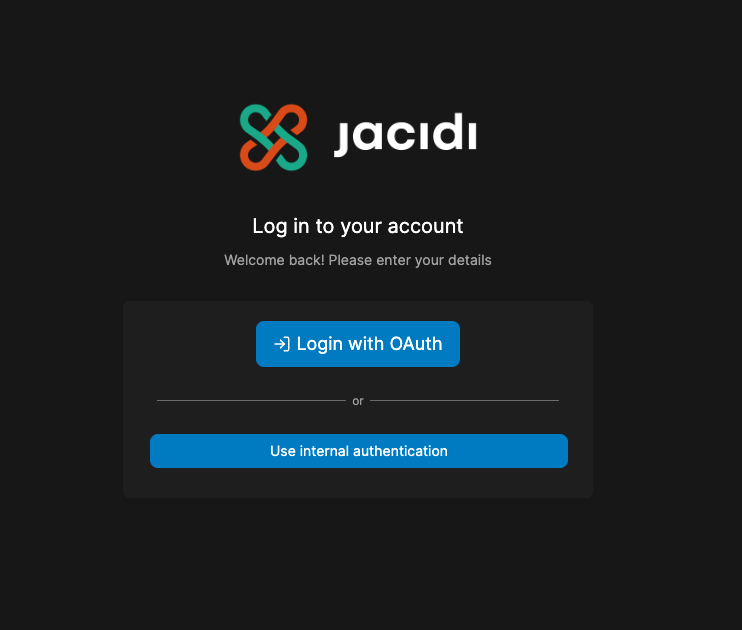
Go to https://portainer2.jacidi.com and log in with provided credentials using internalLogin authenticationwith Oauth
Once inside select BCN Datacenter Environment

Select Stacks from the left menu.
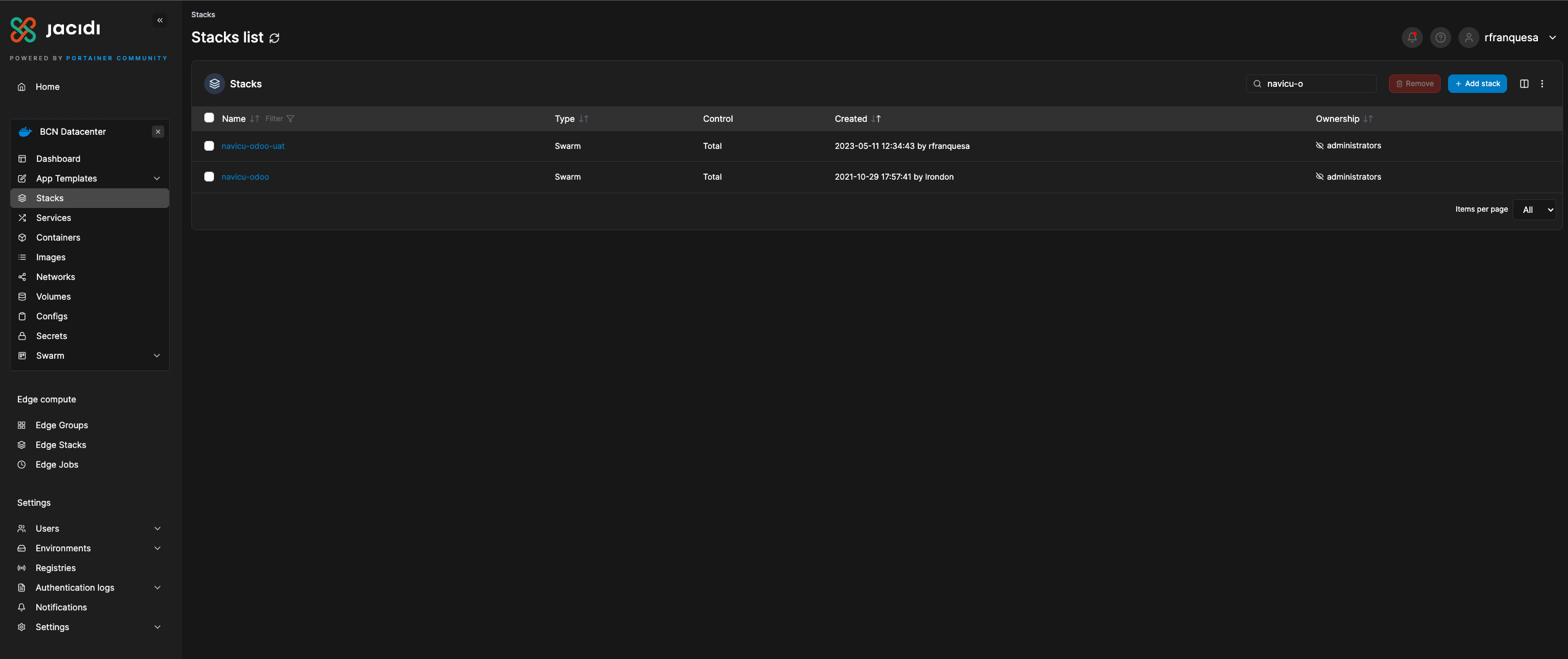
There should be 2 stacks navicu-odoo-uat and navicu-odoo (UAT and Production)
Once inside a stack you can see 2 services (Postgres DB and Odoo App) and a list of the containers for each service.
Only one container must be running per service, other containers are dead, failed or stopped.
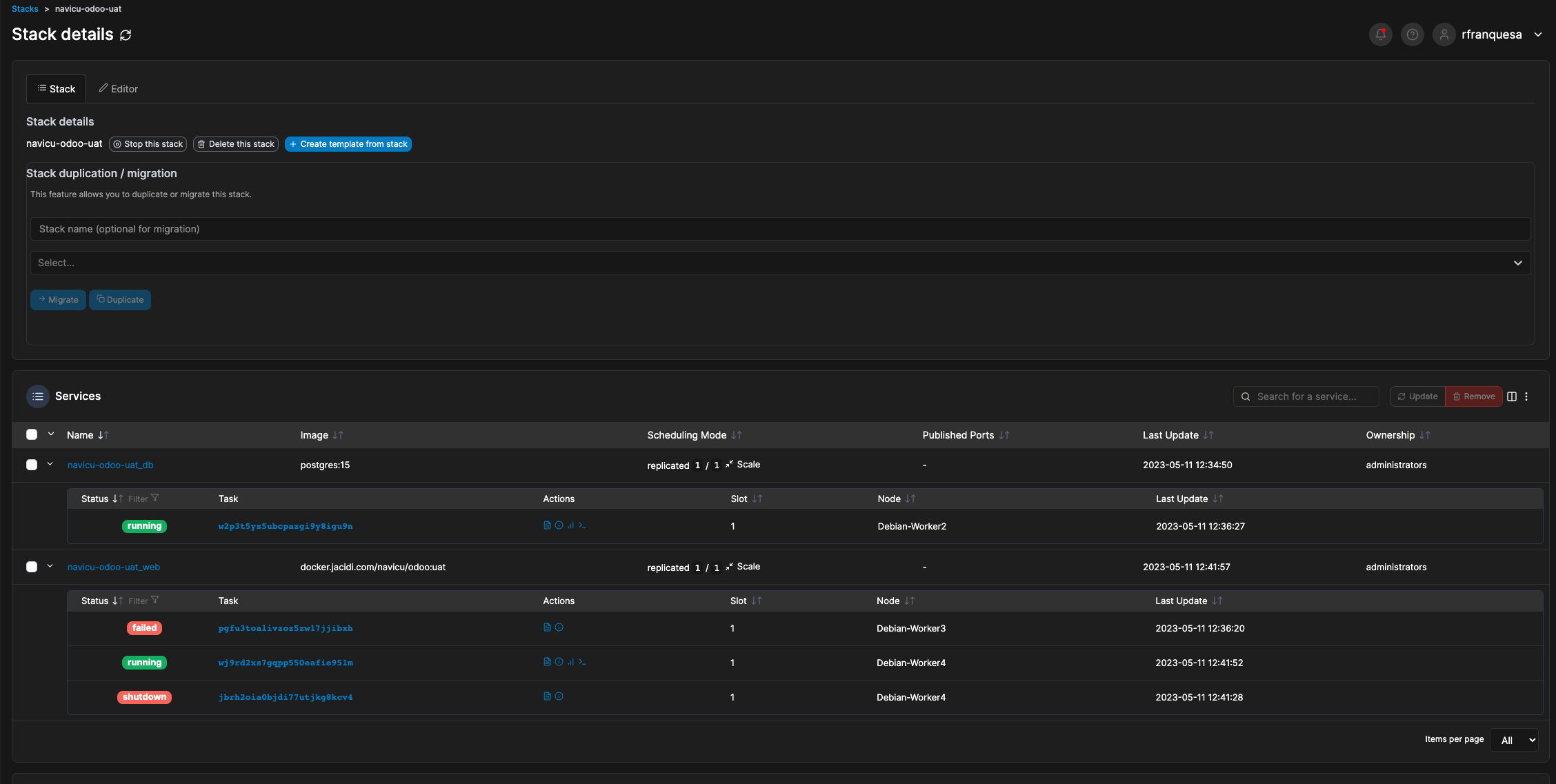
Do NOT modify compose file from editor TAB
Do NOT use remove service button or automatic deploy will no longer work
Logs and Terminal
You can see logs from all container selecting action -> logs (first icon) and access terminal from each running container action -> terminal (last icon)

Once inside terminal you can run odoo command directly using following syntax:
odoo -d $DB_NAME -r $USER -w $PASSWORD --db_host $HOST --stop-after-initVariables $DB_NAME $USER $PASSWORD $HOST are inherited from compose file. Must be used always to run any command. For example, run odoo install base: odoo -d $DB_NAME -r $USER -w $PASSWORD --db_host $HOST --stop-after-init -i base